
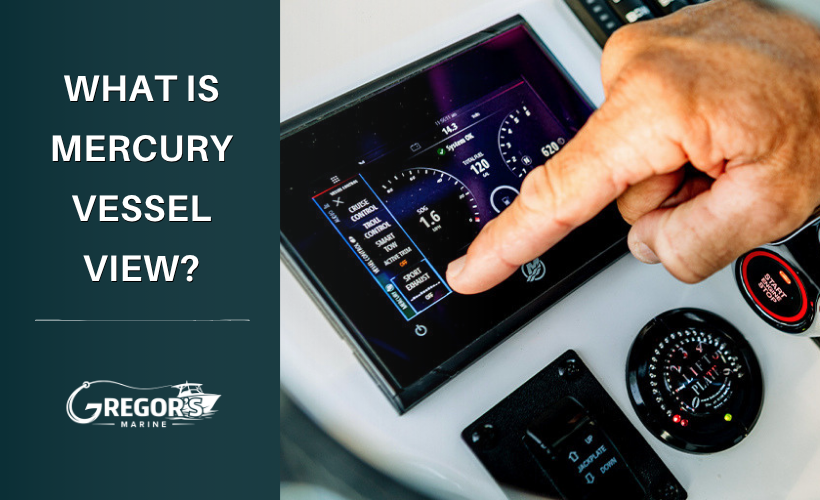
What Does Mercury VesselView Actually Do?
What Does Mercury VesselView Actually Do?
If your Mercury already has a tachometer, fuel gauge, and chartplotter, adding another engine display might seem unnecessary.
But Mercury VesselView isn't simply a digital gauge. It gives you access to information the engine's SmartCraft system already knows, including engine RPM, temperature, fuel flow, fuel efficiency, trim, speed, and more. Depending on your setup, VesselView can also display engine warnings and provide access to compatible SmartCraft features.
The useful part isn't having more numbers on the dash. It's being able to see what your Mercury is actually doing.
What Can You See With VesselView?
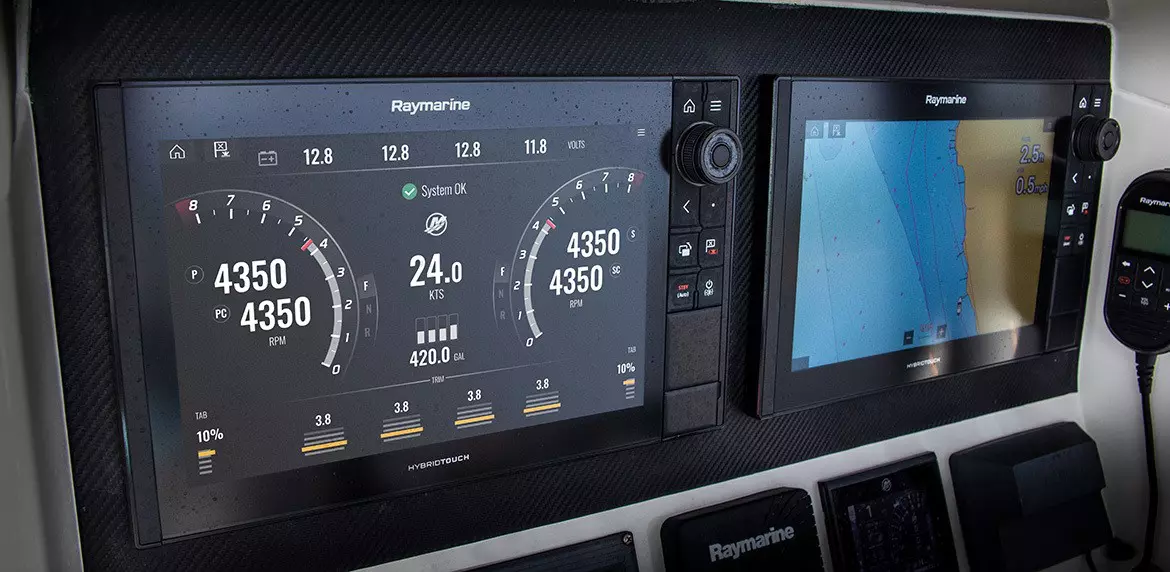
Available information varies by engine and installation, but VesselView can provide data such as:
- Engine RPM
- Engine temperature
- Battery voltage
- Fuel flow and fuel efficiency
- Engine hours
- Trim position
- Speed
- Engine warnings and alerts
- Additional engine and boat data depending on the setup
A VesselView 403, for example, can provide information on more than 30 engine and boat parameters.
You don't need to watch every number. A few of them become particularly useful once you know what's normal for your boat.
Fuel Flow Can Help You Find a Better Cruising Speed
Your fuel gauge tells you approximately how much fuel is left. Fuel-flow data tells you what the engine is using right now.
Watch fuel consumption while changing RPM and trim and you can see how those changes affect efficiency.
For example, gaining a few MPH by increasing RPM may require considerably more fuel. On the other hand, properly trimming the boat at cruise may let you maintain similar speed while reducing fuel consumption.
Instead of guessing at your boat's most efficient cruising range, you can actually compare the numbers.
Engine Warnings Give You More Information
This is one of the more useful reasons to have SmartCraft engine information available at the helm.
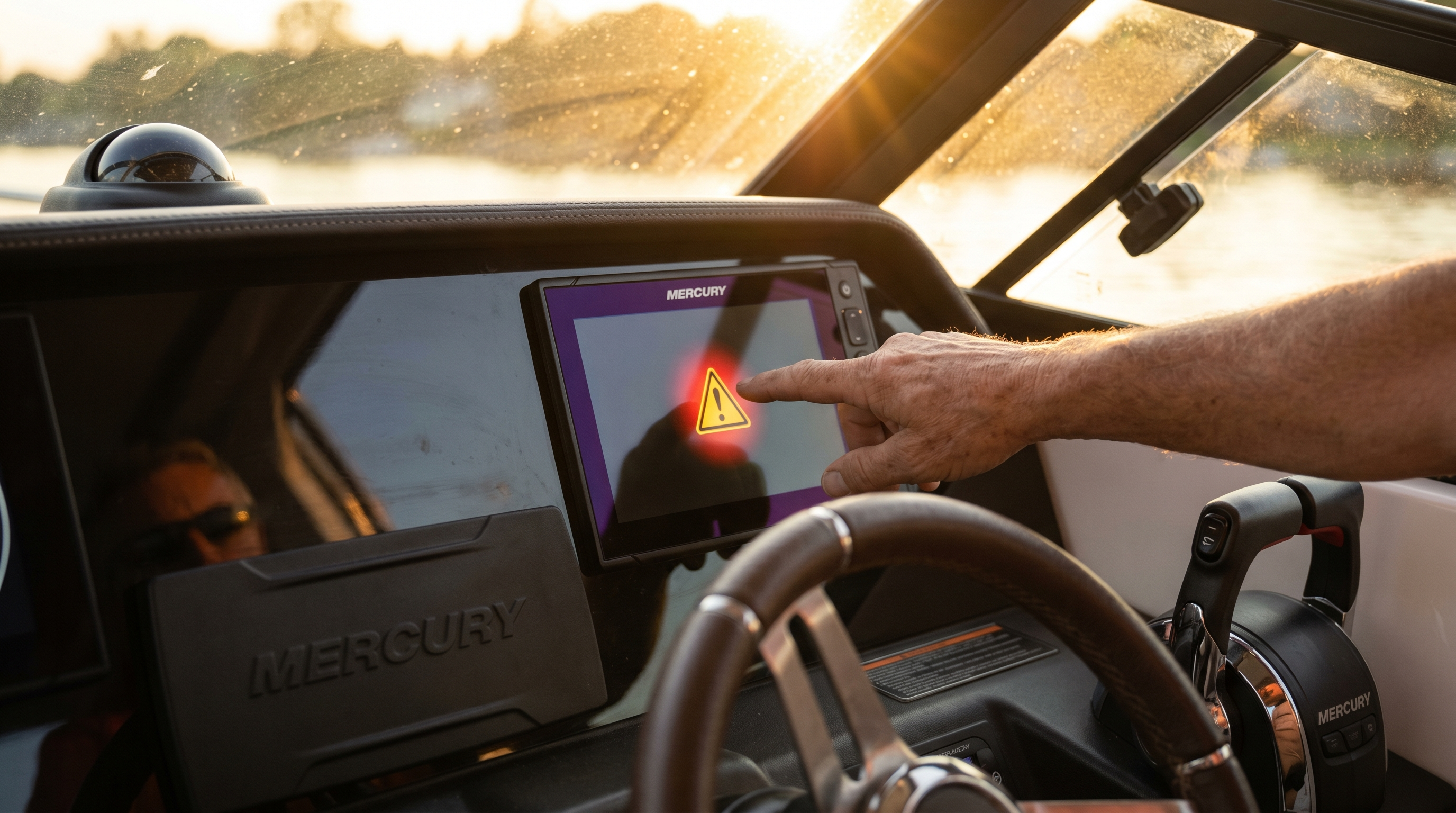
If your Mercury detects a problem, compatible VesselView systems can provide dedicated warning information rather than leaving you with only a horn and a loss of power. Mercury's VesselView displays are specifically designed to provide engine data and messaging from the SmartCraft system.
That's particularly useful if Mercury Engine Guardian activates.
Instead of simply knowing the engine has reduced power, the information available through your SmartCraft system may help identify what type of condition triggered the warning.
If you've experienced that before, our Mercury Guardian Mode Explained guide goes deeper into what Guardian does and what you should check when it activates.
Knowing Your Normal Numbers Helps
VesselView becomes more useful after you've used it for a while.
Suppose your engine normally runs within a familiar temperature range at cruise or you've become accustomed to seeing a certain battery voltage while underway. A change stands out much faster when you already know what the normal reading looks like.
The same applies to fuel flow, trim, and other engine information.
You don't need to constantly monitor every parameter. Pay attention to the numbers that matter for your boat and you'll have a better reference point when something changes.
VesselView Can Do More Than Monitor the Engine
Depending on your Mercury engine, controls, and VesselView setup, compatible SmartCraft features can also be accessed through the display.
These can include:
- Troll Control for precise engine RPM adjustments
- Cruise Control
- Active Trim
- Smart Tow
- Autopilot and Joystick Piloting features on appropriately equipped boats
Not every feature works with every engine or installation, so don't choose a VesselView product based on a particular feature until compatibility has been confirmed.
Do You Need a Dedicated VesselView Screen?
Not necessarily.
There are now several ways to access Mercury engine information.
Dedicated VesselView display:
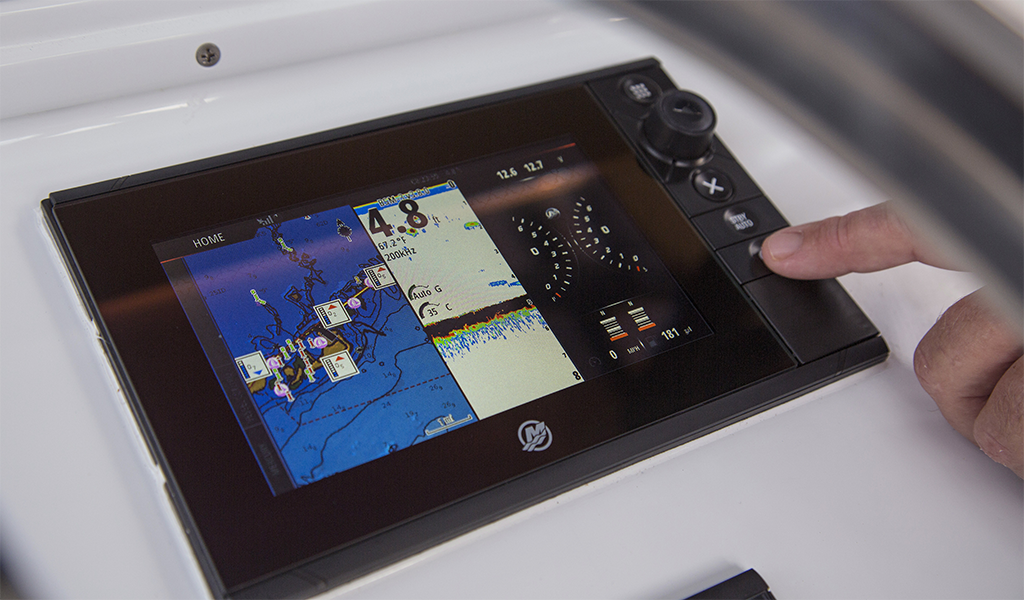
A Mercury display installed at the helm that provides engine data and compatible SmartCraft controls.
VesselView Link:
Allows VesselView information and controls to integrate with compatible Lowrance and Simrad multifunction displays.
SmartCraft Connect:
Can bring the VesselView interface and Mercury engine information to compatible Garmin, Raymarine, and current Simrad displays. Compatibility depends on the display and software version.
SmartCraft Connect Mobile:
Provides engine information through the Mercury Marine app without requiring another display at the helm. Mercury now recommends this platform as the successor to the older VesselView Mobile hardware/app.
So if you already have a compatible chartplotter, you may not need to add another large screen just to access Mercury engine data.
Compatibility Matters
Not every Mercury engine supports every VesselView product.
Compatibility depends on:
- Engine year
- Engine model
- SmartCraft capability
- Existing electronics
Serial number verification is often the best way to determine compatibility.
Final Thoughts
VesselView is not just about replacing gauges. It gives owners better awareness of how their engine is performing and often helps identify problems before they lead to costly repairs.
Our team can help determine which VesselView products are compatible with your engine and current setup.
- Contact Us today or give our team a call.
- Shop VesselView and Technology
- Learn More About VesselView
Frequently Asked Questions
Is VesselView the same as SmartCraft?
No. SmartCraft is Mercury's broader digital technology platform. VesselView is one way to view engine information and access compatible SmartCraft functions.
Can VesselView show engine fault information?
Yes. Compatible VesselView systems can display engine warnings and dedicated messaging from the SmartCraft system.
Can I get Mercury engine data on my Garmin or Raymarine?
Yes, on compatible systems. Mercury SmartCraft Connect supports compatible Garmin, Raymarine, and current Simrad displays, although available functions vary by display and installation.
Is VesselView Mobile still available?
Mercury says it has stopped manufacturing VesselView Mobile hardware and no longer updates the VesselView Mobile app. Existing systems can continue to function, but Mercury recommends transitioning to SmartCraft Connect Mobile and the Mercury Marine app for continued feature updates.
Recent Posts
-

Mercury Repower Rebates & Financing 2026: What to Know Before You Buy
Thinking about replacing your boat's outboard? Mercury Marine's 2026 Repower and Save Event offers …Oct 30th 2026 -

How to Build the Ultimate Inshore Fishing Boat: Our Dream Setup
If we were building the ultimate inshore fishing boat for Tampa Bay, what would we put on it? We're …Oct 19th 2026 -

Mercury Anodes Explained: Zinc vs. Aluminum vs. Magnesium and Which You Need.
You may hear them called zincs, but the sacrificial anodes on your Mercury aren't necessarily made f …Oct 19th 2026